After continuous polishing over this period, GXDE 25.5 is officially released
GXDE OS is a Debian-based Linux distribution that supports amd64, arm64, loong64, and riscv64 architectures. It features the Deepin Desktop Environment from the Deepin 15 era, continuously optimising the desktop experience, and is committed to providing an elegant, stable, and lightweight out-of-the-box experience—reducing the pain for beginners and saving time for veterans.
The GXDE desktop environment is built upon the Deepin Desktop Environment (DDE), and its components are open-sourced under the original upstream licenses (GPLv2/LGPL).
Note: 25.5 beta enables the internal testing repository by default. After the 25.5 stable release, please opt out of the internal testing repository via the Control Center for a better experience.
Note: 25.5 beta is still a test version. If you need a more stable experience, we recommend continuing to use 25.4.1. Users who have not joined the internal testing repository will not be automatically upgraded to 25.5 beta.
💡 Note: The GXDE 15 series is no longer maintained. Please upgrade to GXDE 25 as soon as possible.
Official website: https://www.gxde.top/
Open-source repositories:
https://gitee.com/GXDE-OS/
https://github.com/GXDE-OS/
QQ groups (as of publication, there are only 2 official groups):
- Group 1: 881201853
- Group 2: 712629637
Note: Recently, we have received feedback from users that unknown individuals are impersonating GXDE officials and creating so-called official group chats under the official name to deceive users. We remind all users that group chat information should be based on the official website. Any group chat not mentioned on the GXDE official website is not an official group chat. Please be vigilant.
DistroWatch: https://distrowatch.com/table.php?distribution=gxde
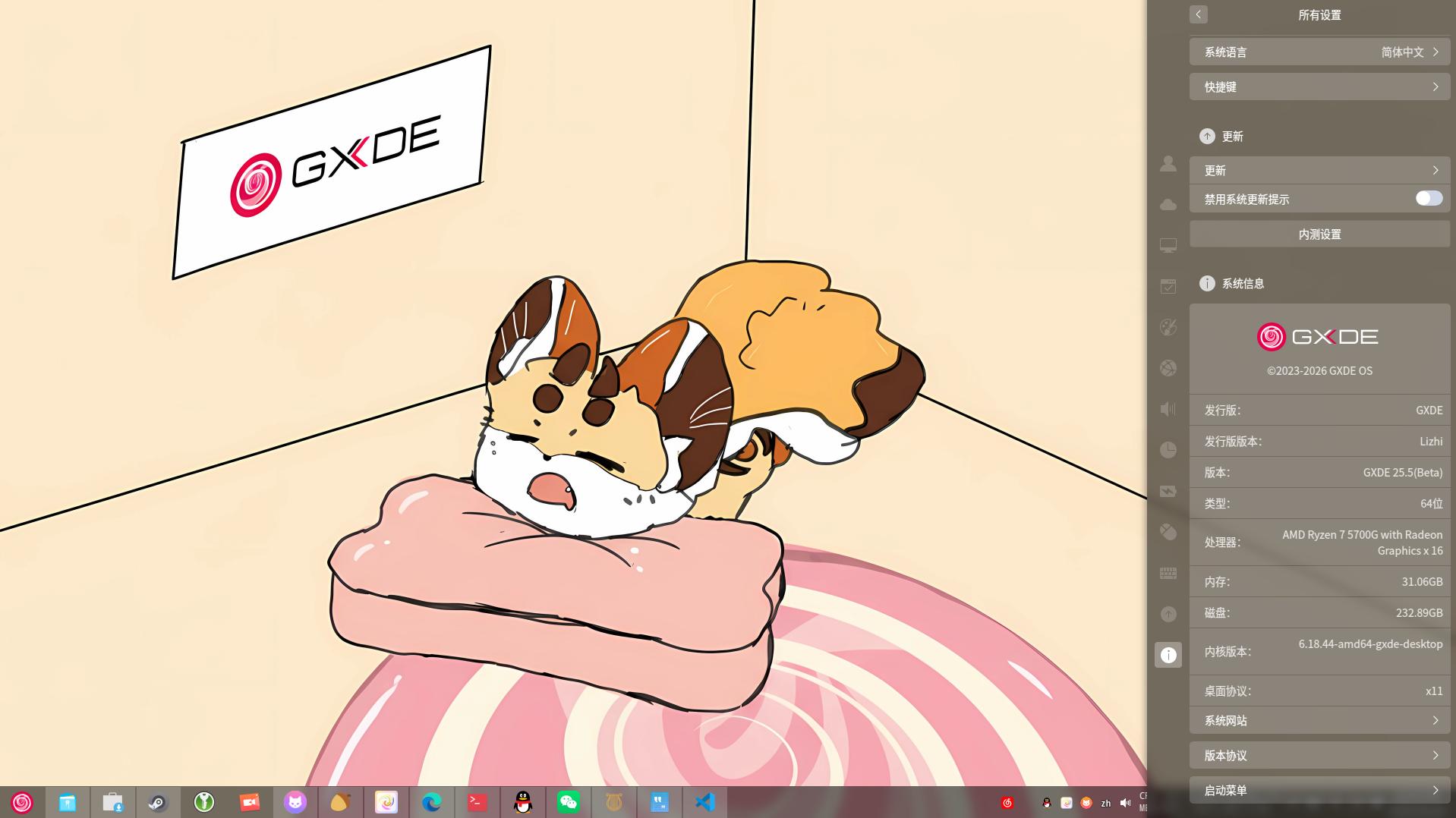
Download Address
(Some mirrors may not have synced yet.)
⚠️ Note: The partition schemes of Hisilicon and Pangu models are similar to those of mobile phones and are quite special. Manual partitioning may damage the BIOS and cause a hard brick. Full disk installation is recommended.
Installing a third-party OS to the internal disk of Qingyun models may cause the built-in activation to be lost. If you plan to operate on a computer issued by your organisation, please be aware of the relevant risks.
If you are unsure whether your operation will cause problems, consider installing to external media such as a portable hard drive to avoid this issue.
Note: Users with Phytium or Kunpeng chips should download the image inside the arm64 folder; Pangu M900 users should download the image inside the arm64-pangu-m900 folder; Hisilicon 9000c users should download the image inside the arm64-hisi9000c folder. Other Hisilicon chips are not currently supported.
CERNET joint mirror (automatically selects the nearest CERNET mirror): https://mirrors.cernet.edu.cn/GXDE/ISO/
Harbin Institute of Technology open-source mirror: https://mirrors.hit.edu.cn/GXDE/ISO/
Shandong University mirror: https://mirrors.sdu.edu.cn/GXDE/ISO/
Nanyang Institute of Technology open-source mirror: https://mirror.nyist.edu.cn/GXDE/ISO/
Henan Provincial Education and Research Network open-source mirror: https://mirrors.ha.edu.cn/GXDE/ISO/
Sourceforge: https://sourceforge.net/projects/gxde-os/
Primary mirror: https://repo.gxde.top/ISO/
Android version (Xiaoxiao PC): https://repo.gxde.top/APK/
Changelog
GXDE 25.5 is the single update with the most changes in GXDE history, including comprehensive Wayland support, Qt6 migration, kernel updates, driver upgrades, security vulnerability fixes, and bug fixes. This update involves more than 60 code repositories, with hundreds of new features, patches, performance optimisations, and security hardening measures.
Wayland Support Essentially Ready
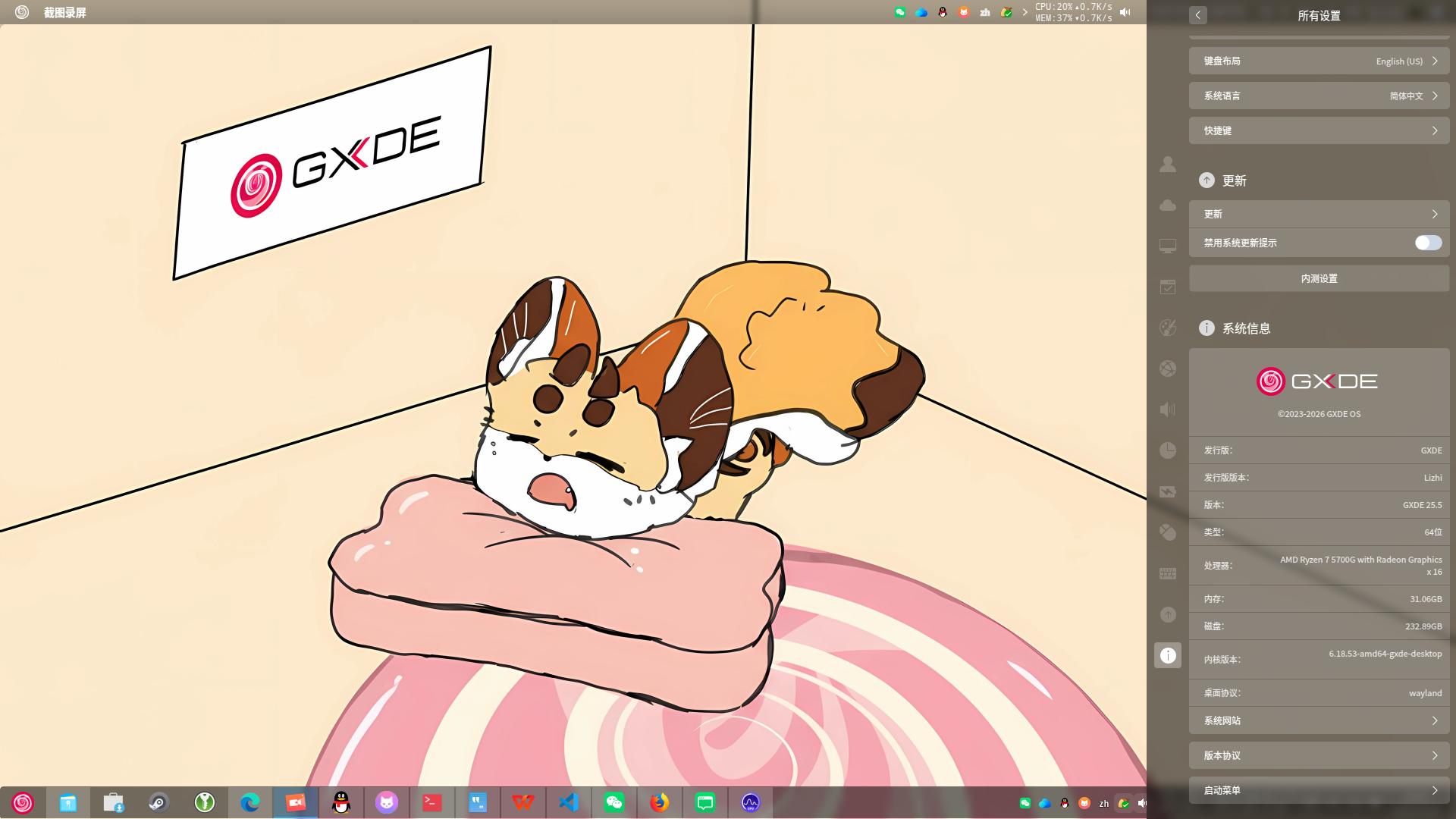
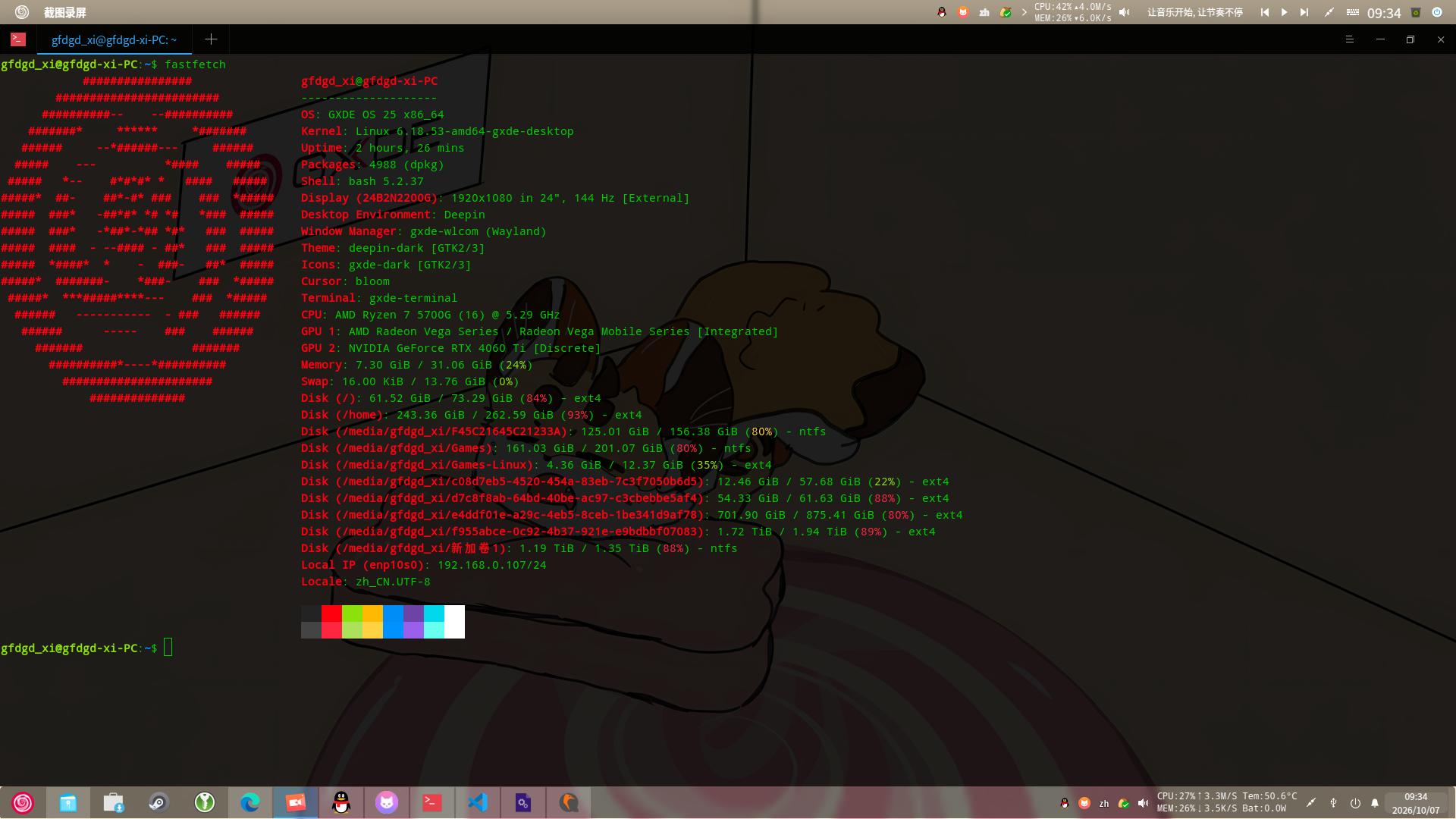
The GXDE desktop environment can now run fully in a Wayland session, and the main components have all been natively adapted:
- The compositor
gxde-wlcom has been significantly upgraded, supporting session lock screen, screenshot management, global shortcuts, window blur/rounded corners, etc.
- Core components such as the dock, top panel, launcher, control centre, file manager, and top panel all support Wayland.
- Tray icons, screenshot/recording, hot corners, screen casting, and other functions work normally under Wayland.
- Shortcut key and input method issues have largely been fixed.
- The login manager
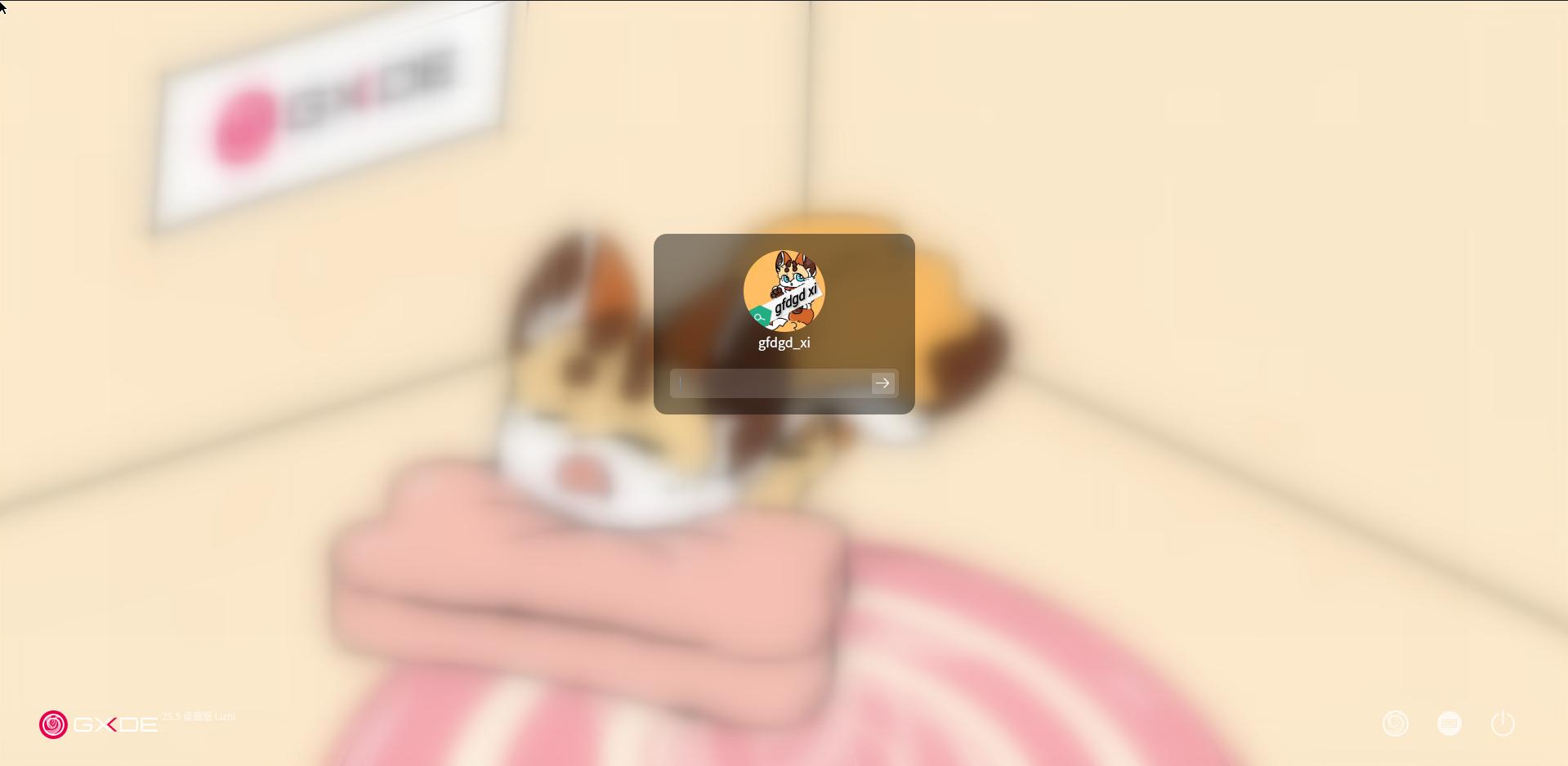
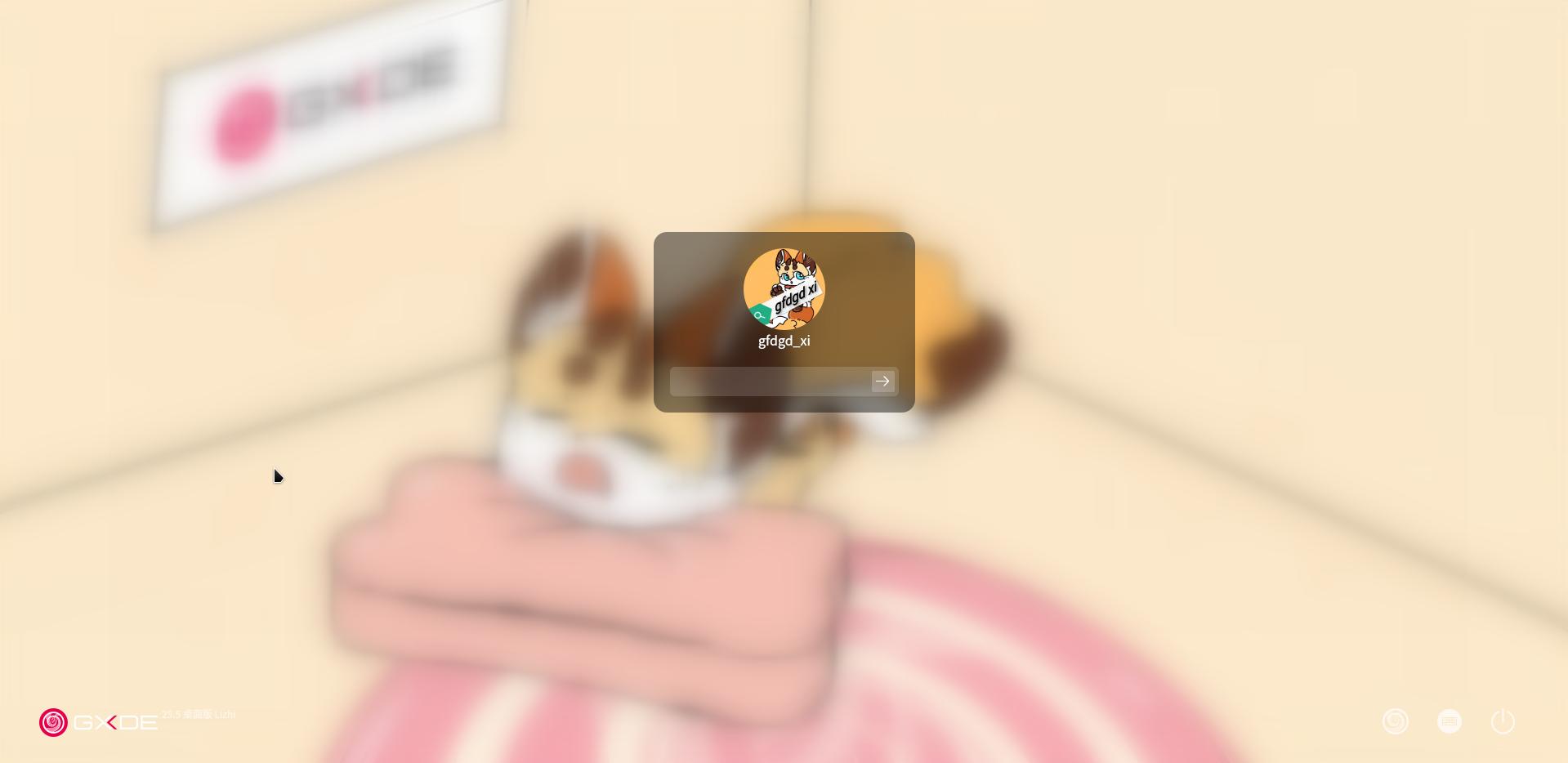
GXDM has been upgraded, supporting Wayland/X11 session switching and a new UI.
Users can select the GXDE Wlcom session at the login screen.
More Components Migrated to Qt6
More than 20 core components have completed Qt6 migration, including: dock, top panel, launcher, control centre, file manager, session management, text editor, video player, voice recorder, font manager, system assistant, printer, clipboard, etc. At the same time, multiple Qt6-version foundational libraries have been added (DFrameworkDBus, gxde-network-utils, disomaster, libdbusmenu, qt6mpris, etc.).
Kernel and Driver Updates
- Kernel updated to 6.18.53 / 6.6.157
- Introduced MGLRU performance optimisations from the 7.2 kernel, improving zram compression performance and EXT4/XFS IOPS
- Fixed multiple kernel security vulnerabilities: Januscape (CVE-2026-53359), SCTPhantom (CVE-2026-64564), OVSwrap (CVE-2026-64531), etc.
- Added support for NVIDIA 470 Tesla / 580 / 595 series drivers
- Uses NTFS Plus by default, improving NTFS filesystem performance
- Supports enabling the open-source Panfrost GPU driver on Pangu M900
- Added a hardware acceleration compatibility layer for Kirin 9000c, supporting Maleoon 910 GPU hardware acceleration
- zram memory compression using the lz4 algorithm is enabled by default to optimise system performance
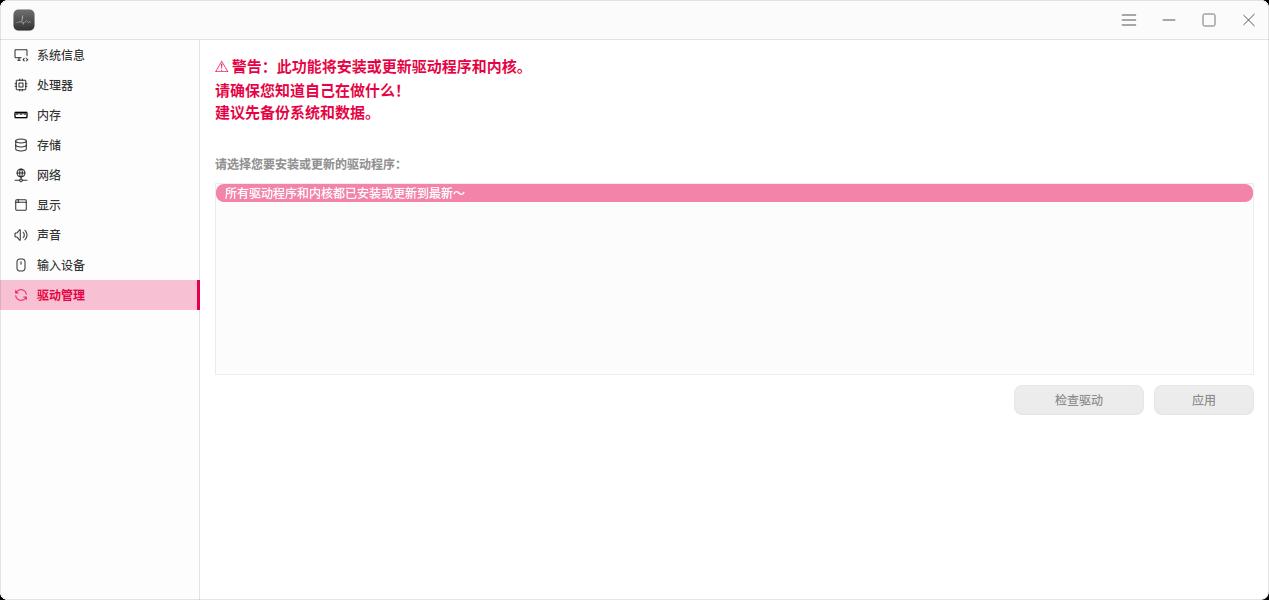
- The hardware viewer now includes a driver installation function, allowing users to automatically and conveniently install driver packages from the hardware viewer
Massive Bug Fixes
- Wayland environment: fixed double title bars, input method candidate box misalignment, shortcut key failures, resolution loss after lock screen, XWayland input method missing characters, etc.
- Desktop components: fixed dock tray explosion, launcher touchscreen ineffectiveness/slow response, control centre slow startup/position anomalies/keyboard settings crashes, file manager wallpaper setting failures, etc.
- System level: fixed Dock failure after Wayland/X11 switching, D-Bus cold-start crashes, etc.
- Numerous application fixes: involving terminal, editor, video player, voice recorder, dictionary, hardware viewer, screen casting, screenshot/recording, terminal, top panel, application installer, launcher, etc.
New Components, New Hardware Support, and New Features
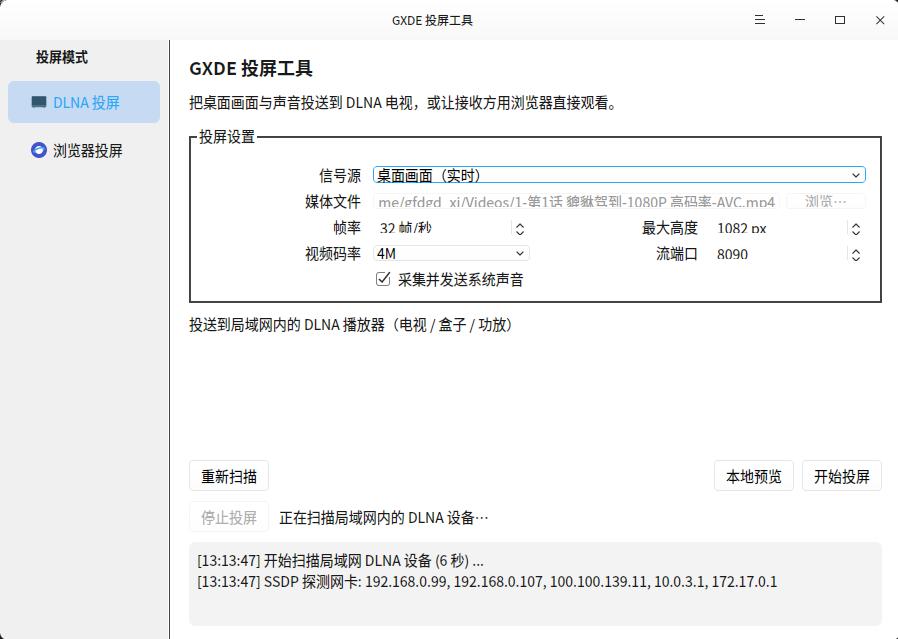
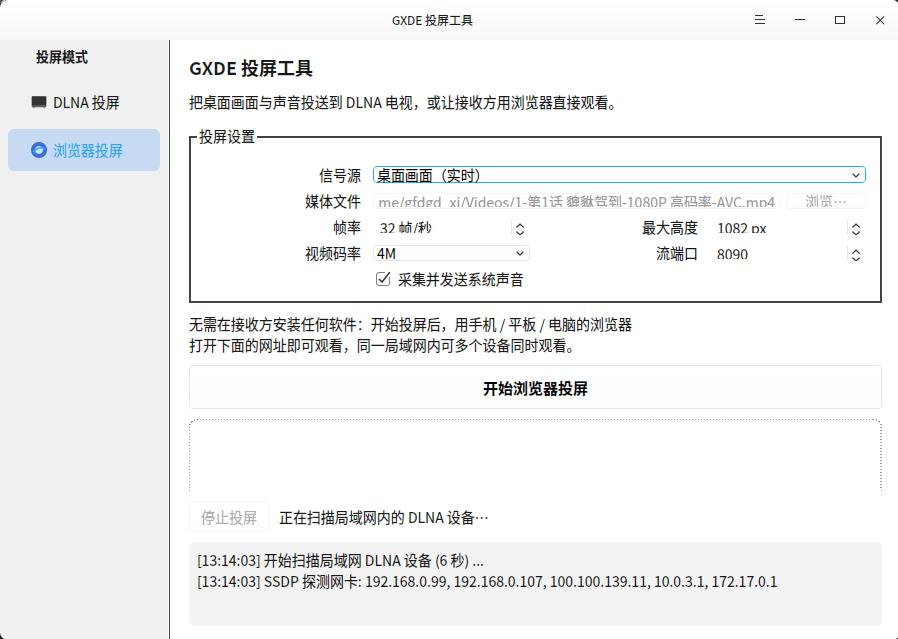
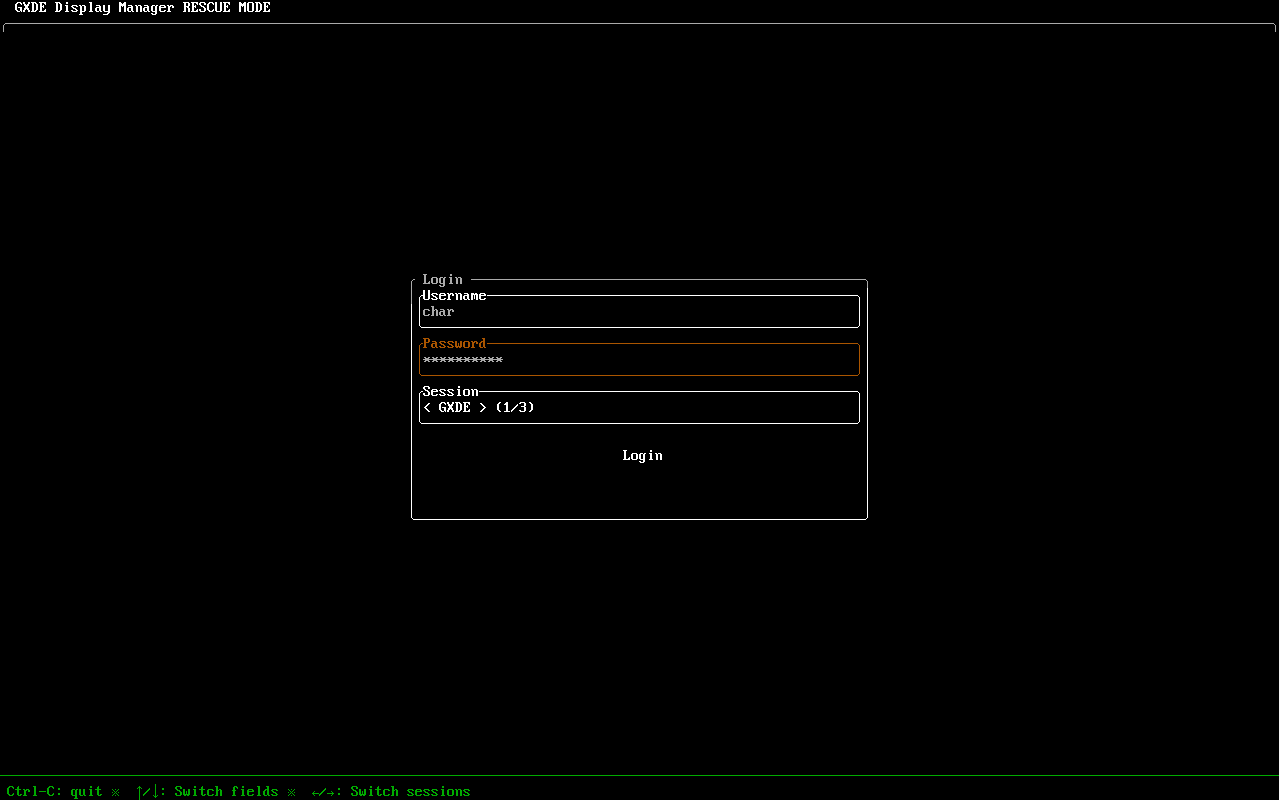
New functional components: deepin-liferaft Memory Lifesaver, gxde-dlna-caster screen casting tool, gxde-k9 service manager, gxde-sni-server tray service, gxdm-emergency-mode GXDE Display Manager emergency mode, Jidian Wubi input method, etc. For GXDE Display Manager emergency mode, see the project README: https://gitee.com/GXDE-OS/gxdm-emergency-mode https://github.com/GXDE-OS/gxdm-emergency-mode . It can replace the display manager when GXDE Display Manager fails, allowing you to log into a system GUI session.
HiSilicon Kirin 9000c (Qingyun w515x and similar devices):
Initial adaptation for Kirin 9000c completed; the Wayland session is now usable for daily tasks.
Added gxde-hisi-9000c-gpu-compat hardware acceleration compatibility layer, providing hardware acceleration for the Maleoon 910 GPU.
Works with gxde-wlcom (>= 2.1.6-gxde5): when the 9000c kernel is detected, the startup script automatically switches to the hardware-accelerated session launcher; if not installed, it falls back to software rendering.
9000C-specific kernel + compatibility packages + hw-series driver packages.
Supports switching between X11 and Wayland (gxde-wlcom) sessions; Wayland is recommended to enable hardware acceleration.
Added gxde-hisi-9000c-audio-compat for audio driver support.
Pangu M900 (HiSilicon Pangu platform):
Successfully runs GXDE OS on Pangu M900.
GPU hardware acceleration has been successfully enabled; glmark2 detects the Mali-G52 GPU.
Achieved by extracting the device tree (DTB) + enabling the open-source Panfrost driver + disabling the proprietary Mali driver.
Runs under the X11 session; Wayland support to be improved later.
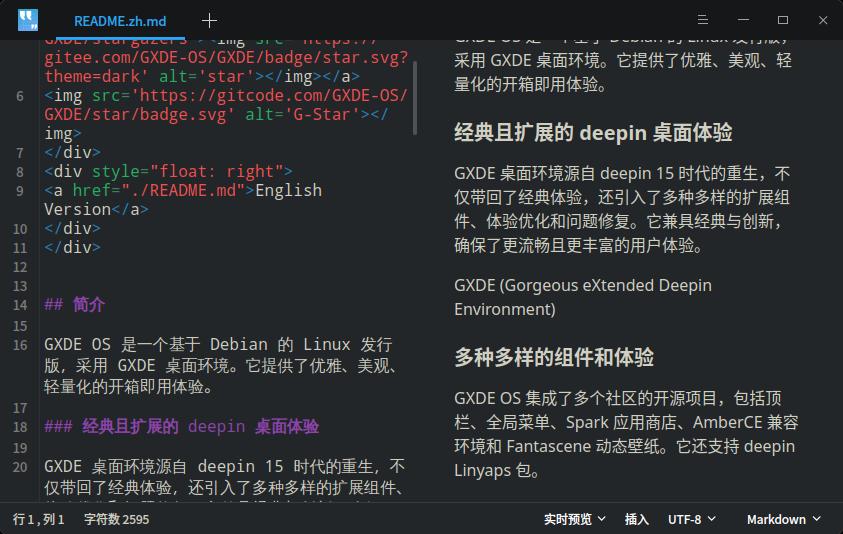
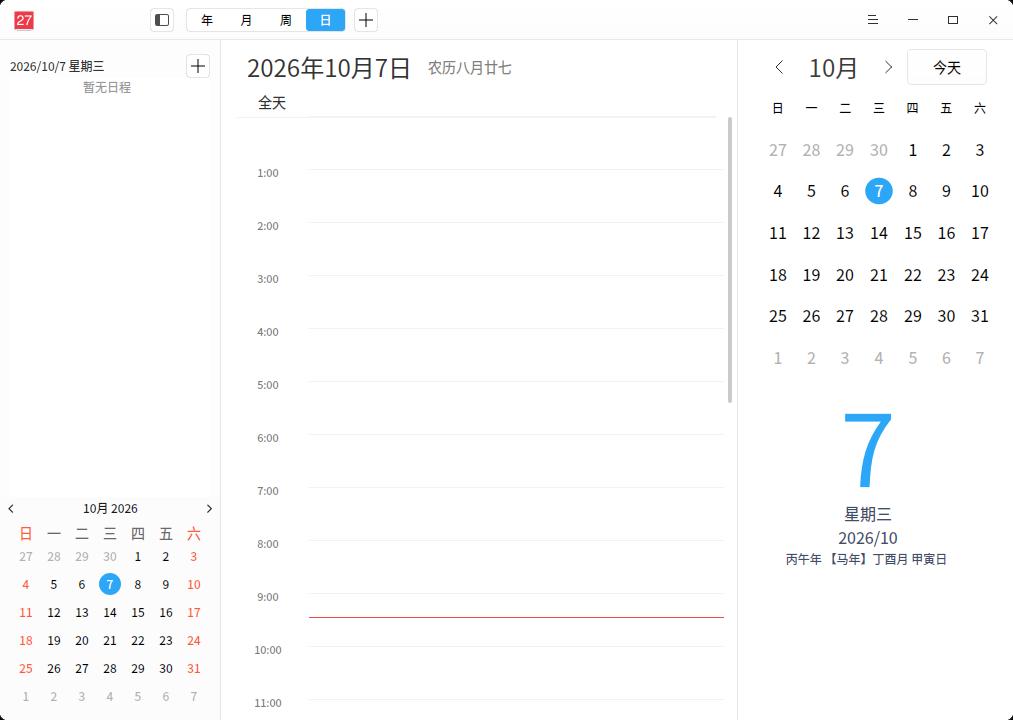
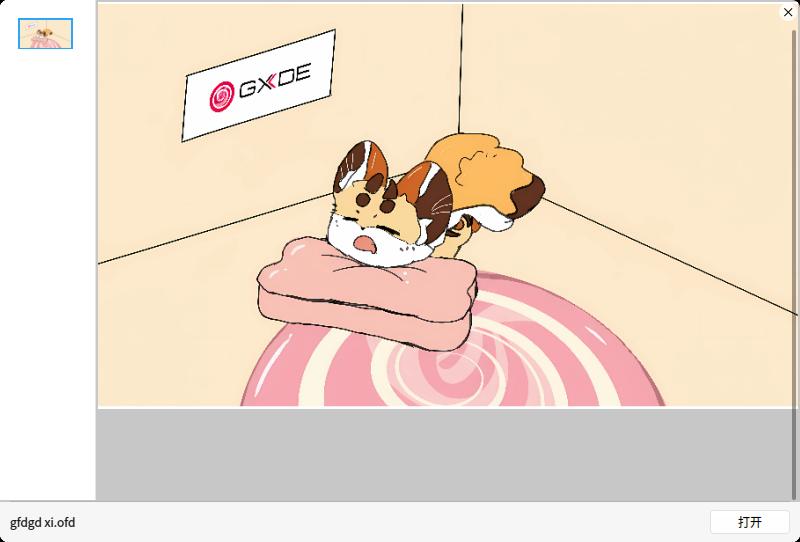
Application enhancements: editor adds Markdown live preview and JSON file formatting; video player has native Wayland playback; voice recorder waveform rewritten; system monitor supports Intel integrated GPU usage; terminal tabs support reordering; calendar functions enhanced; file manager supports previewing OFD files with the space bar, etc.
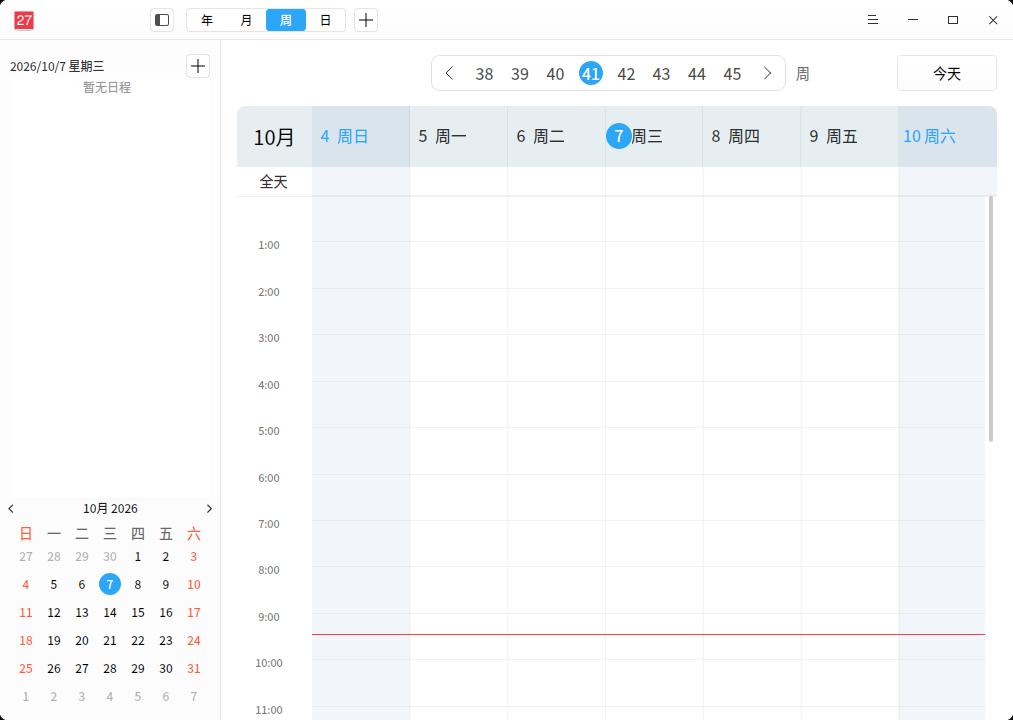
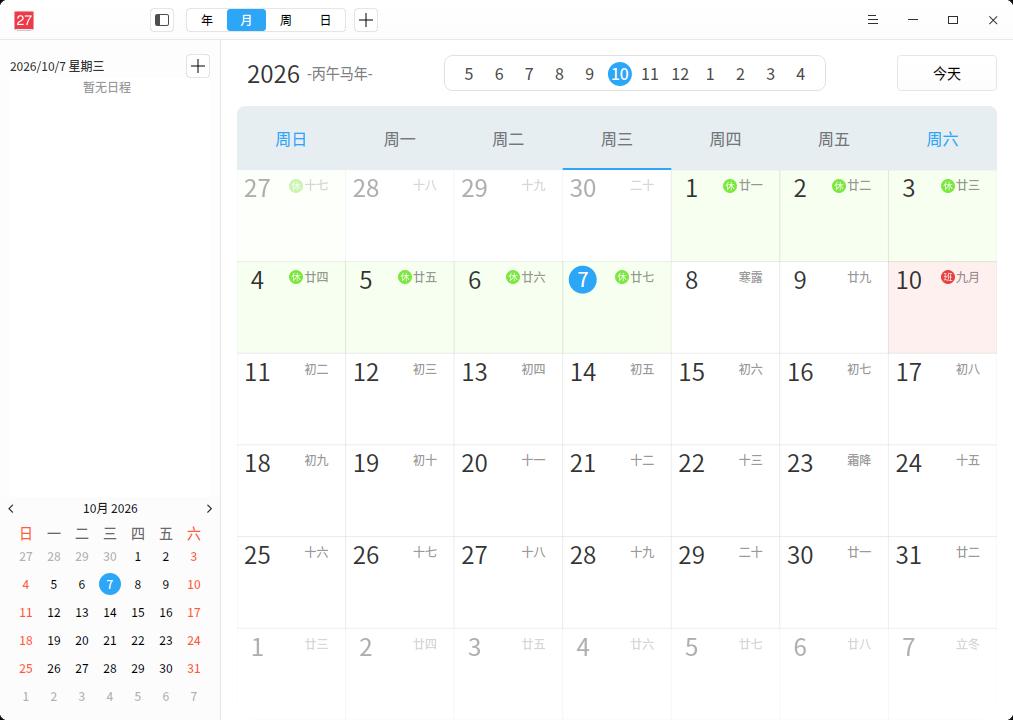
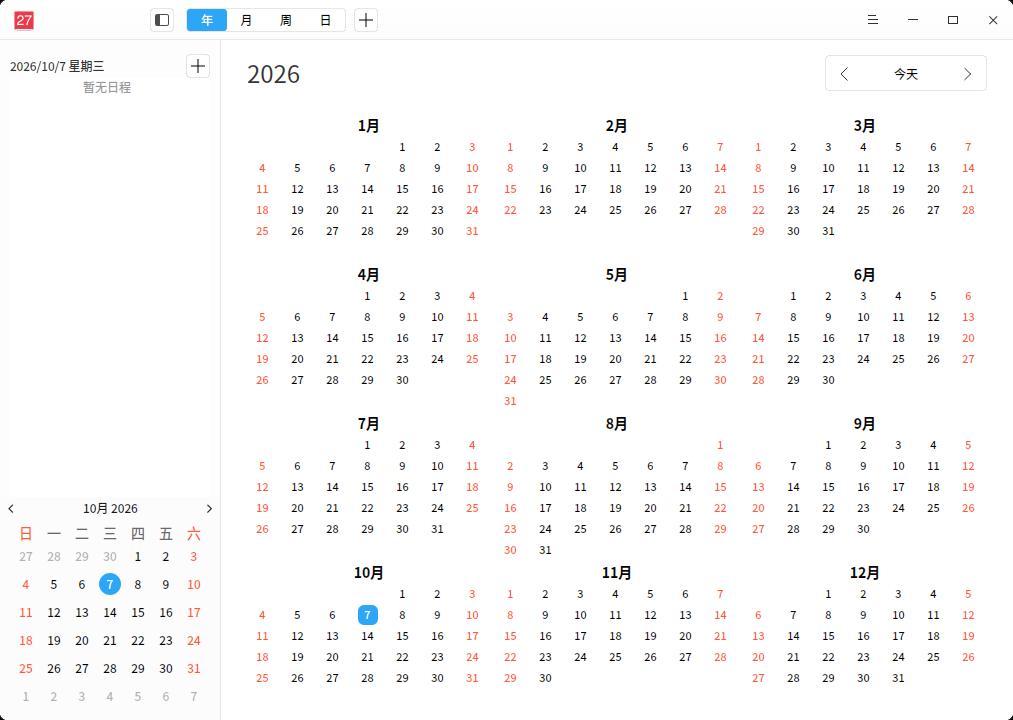
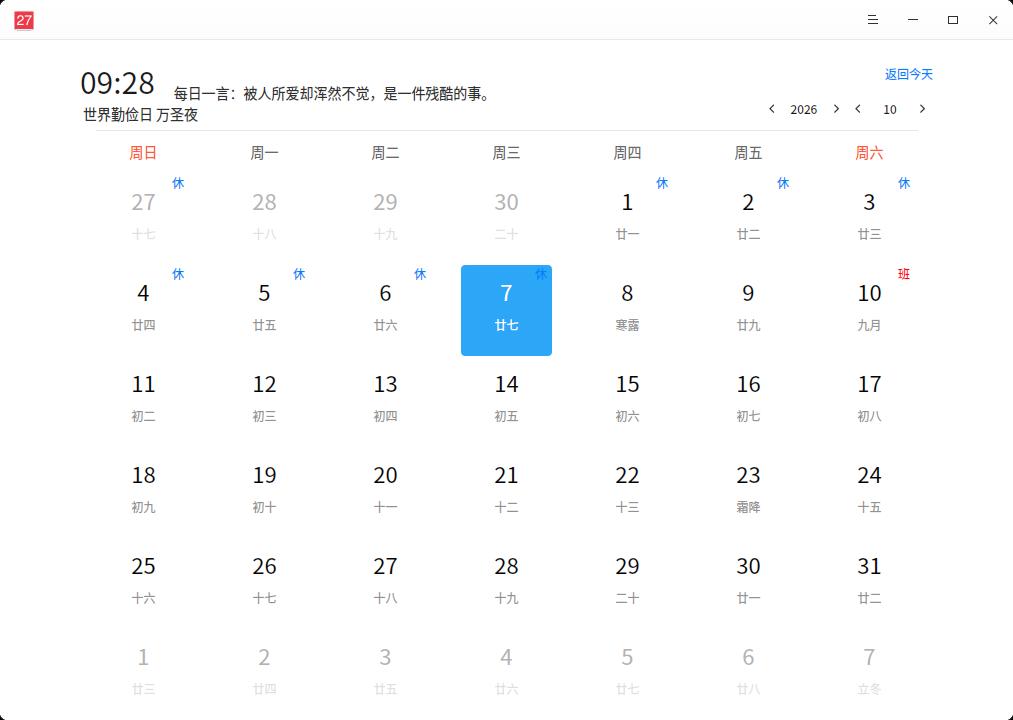
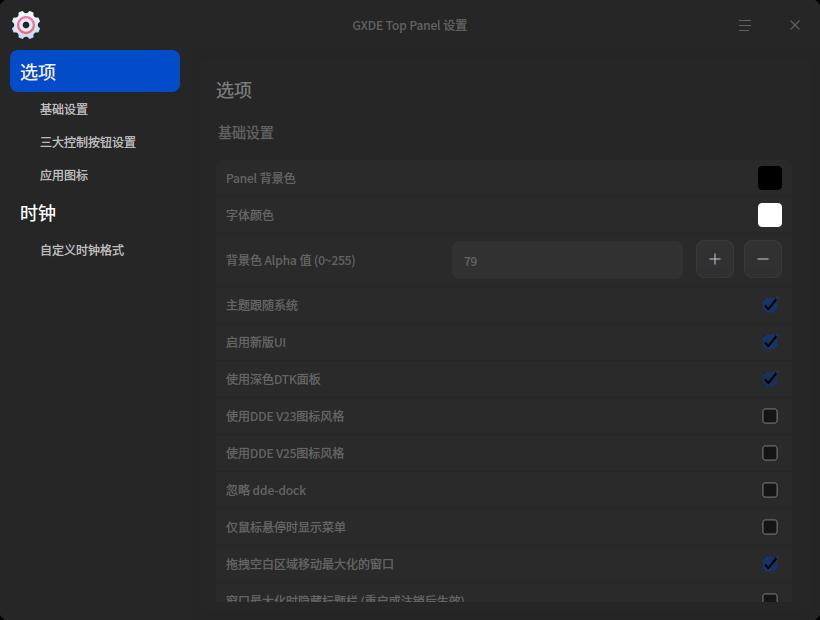
UI optimisation: top panel UI optimisation, etc.

Detailed Changelog
Because the detailed changelog is extremely long, if you want to learn more about the detailed update contents, please visit the official website: https://www.gxde.top/news/25.5